VIRTUAL PREVIEWS
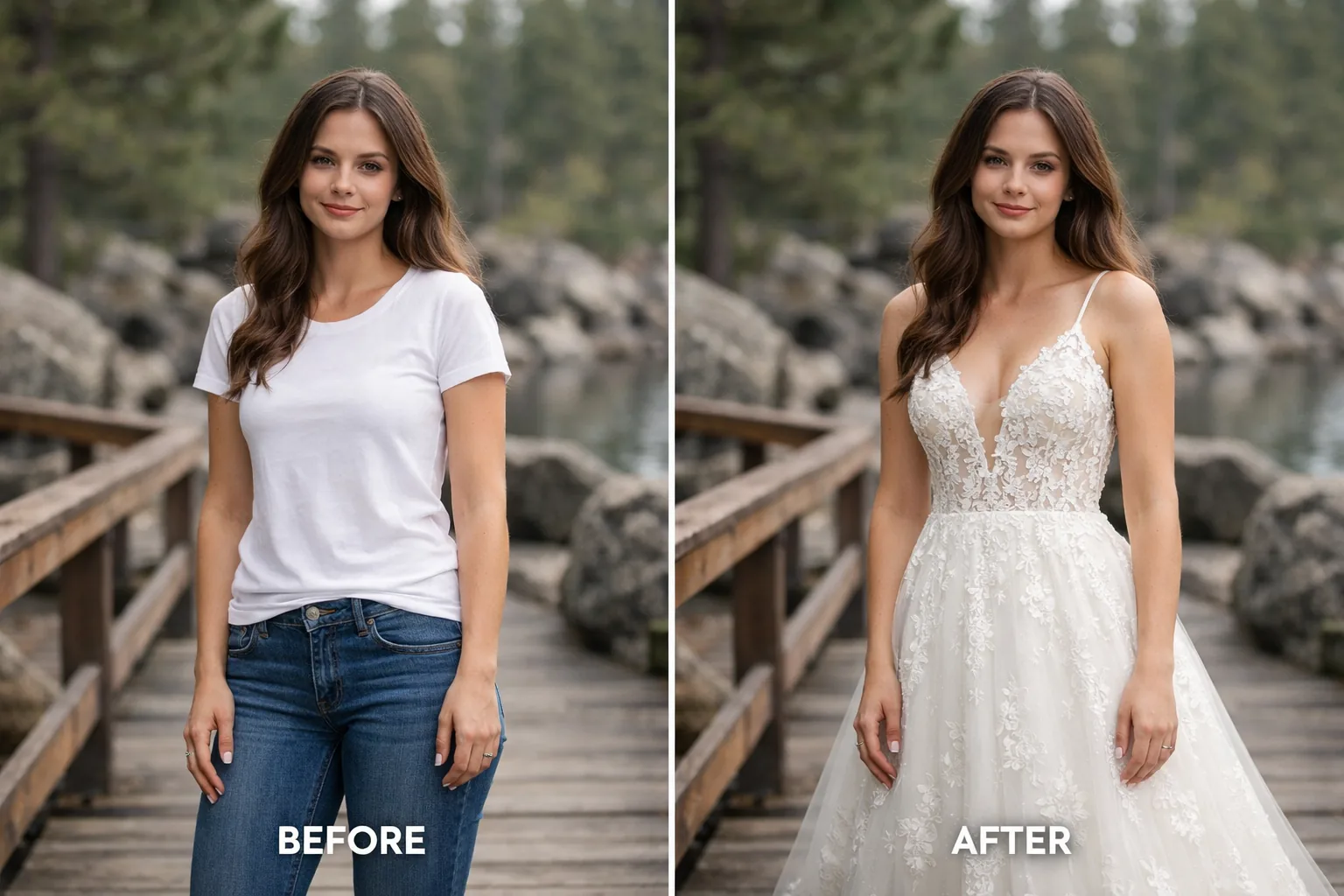
Real-World AI Dress Try-On Previews
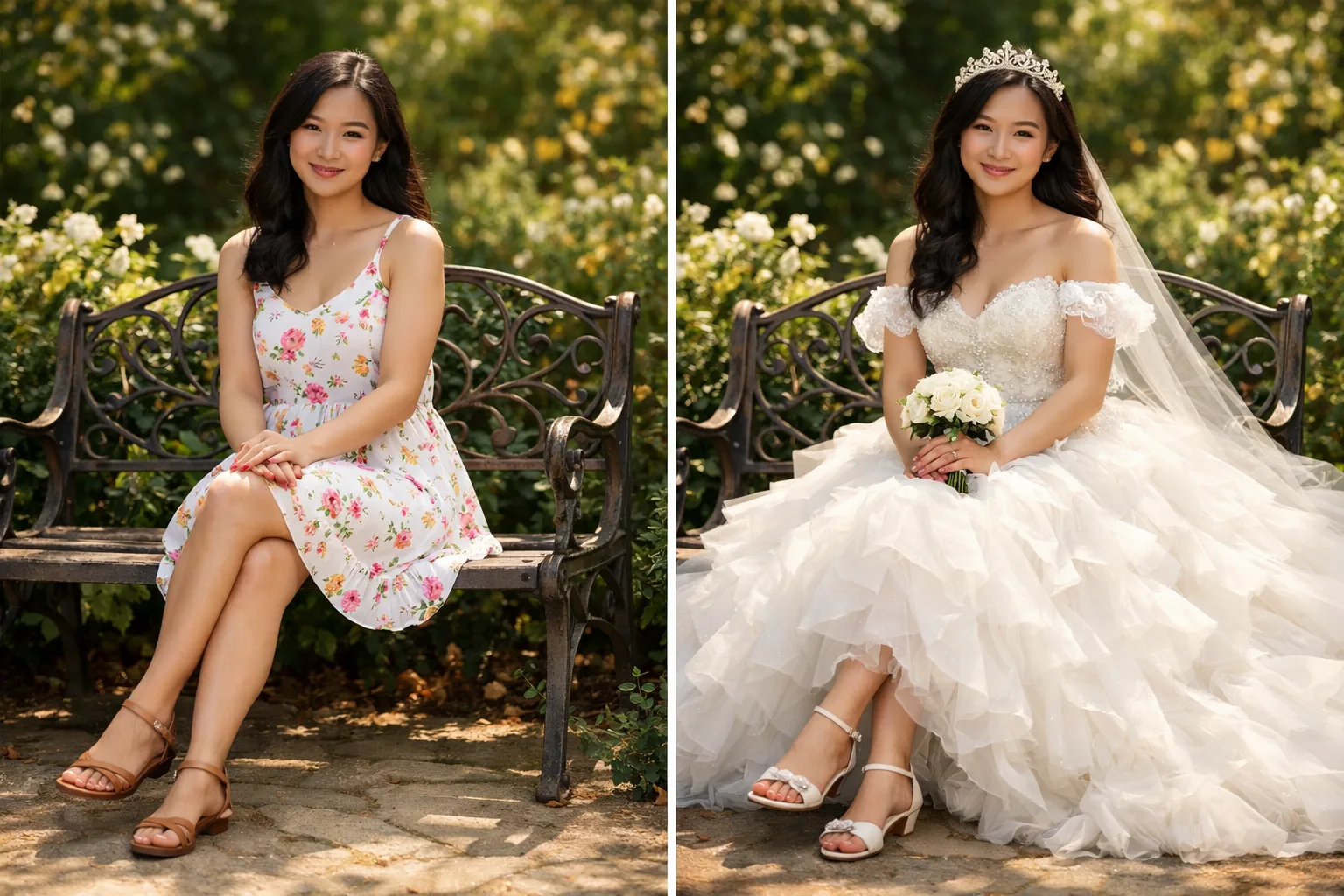
Bridal & Wedding
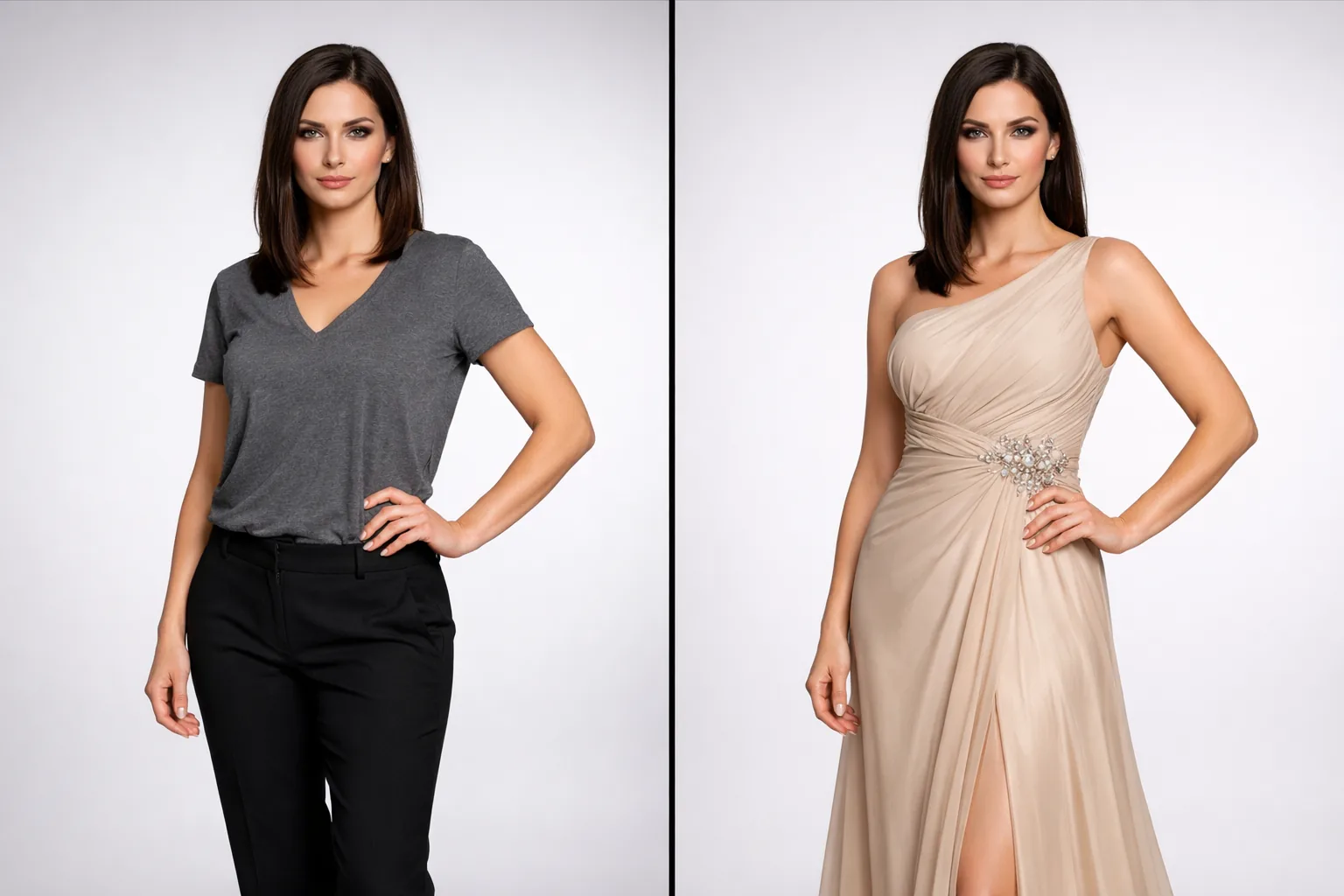
Casual & Evening Wear
Upload → Generate → Download
WORKFLOW
How to Use Our Dress Try On Online Tool
Three simple steps to generate your try-on preview.
How the Try-On Preview Works
We align the dress image to the model photo to create a visual try-on preview.
01
Base Photo
02
Garment Focus
03
Before / After
SilhouetteDetailsStyle
WHY TRY ON ONLINE
The Future of Online Wedding Dress Try On At Home
Traditional fittings take hours. Our dress try on online preview usually finishes in under a minute, depending on the queue and image complexity.
BRIDE-TO-BEFAST PREVIEWTry More Looks
Minutes, Not Days.
Efficiency Breakdown: Finding Your Perfect Look
Bridal Boutique
3-5 Hours
- Travel and parking
- Limited inventory access
- Physical fatigue from changing
Home Try-On Kits
2-4 Days
- Shipping wait times
- Limited style selection
- Handling return labels
AnyTryOn Online
Under a minute
- Try multiple dress photos
- Try on wedding dresses online at home
- Save and share a shortlist
BridalA-LineMermaidBohoMinimalist
VIRTUAL BRIDAL
Zero-Pressure Environment
Try on dresses online away from the eyes of salespeople. Take your time to decide which silhouette truly speaks to you.
Less friction than offline fittings
AI POWERED
Flexible Dress Sources
Look 01Look 02Look 03Look 04
You're not limited to store inventory. If you have a dress image, you can generate a try-on preview quickly.
HIGH DETAIL
Easy Sharing
ORIGINAL
TRY-ON PREVIEW
Download your try-on previews and share them with bridesmaids or family to get feedback.
PRIVACY FIRST
Your Private Virtual Fitting Room
PRIVACY
Private Storage
Signed links
OUTPUT
Preview Downloads
Save & share
CONTROL
History
Save & delete
Privacy by Default
Private storage (not a public bucket)
Signed links for your results
FAQ
Frequently Asked Questions About Dress Try On Online
How can I try on dresses online for free?
Upload a person photo and a dress image to generate a dress try on online preview. It's free to start and you can begin without logging in or entering a credit card.
Can I actually try on wedding dresses online at home?
Yes. Upload your photo (or pick a model) plus a wedding dress image to generate a visual preview at home. It's a styling and silhouette preview, not a size guarantee.
How accurate is the virtual wedding dress try on?
It's best for comparing silhouettes, necklines, and overall styling. It does not replace in-person fittings, measurements, or sizing advice.
Is it possible to try on dresses online with my own photo?
Yes. For the best preview, upload a clear, front-facing full-body photo. Results depend on lighting, pose, and image quality.
Do I need a special app to try wedding dresses online?
No, AnyTryOn is a fully web-based dress try on online tool. You can access it from any browser on your desktop, tablet, or smartphone without downloading any software.
What types of dresses can I try on?
Most dress styles, including casual, cocktail, bridal, and evening wear. Clear dress photos generally produce more reliable previews.
How long does the AI take to generate the dress preview?
Most previews finish in under a minute, depending on the queue and image complexity.
Can I use images from Pinterest or Instagram for the try-on?
Yes, if you have the right to use the image. Photos from stores or social media can work well, and clear, front-facing dress images usually perform best.
Is the online wedding dress try on service private?
We store uploads and results in private storage and deliver them via signed links. Anonymous results are automatically deleted after about 48 hours; signed-in users can save results to History and delete items later.
Does the tool support plus-size dress try on online?
You can use photos of many body types. Keep in mind this is a visual preview (not a sizing tool), and results depend on the photo.
Can I try on bridesmaid dresses too?
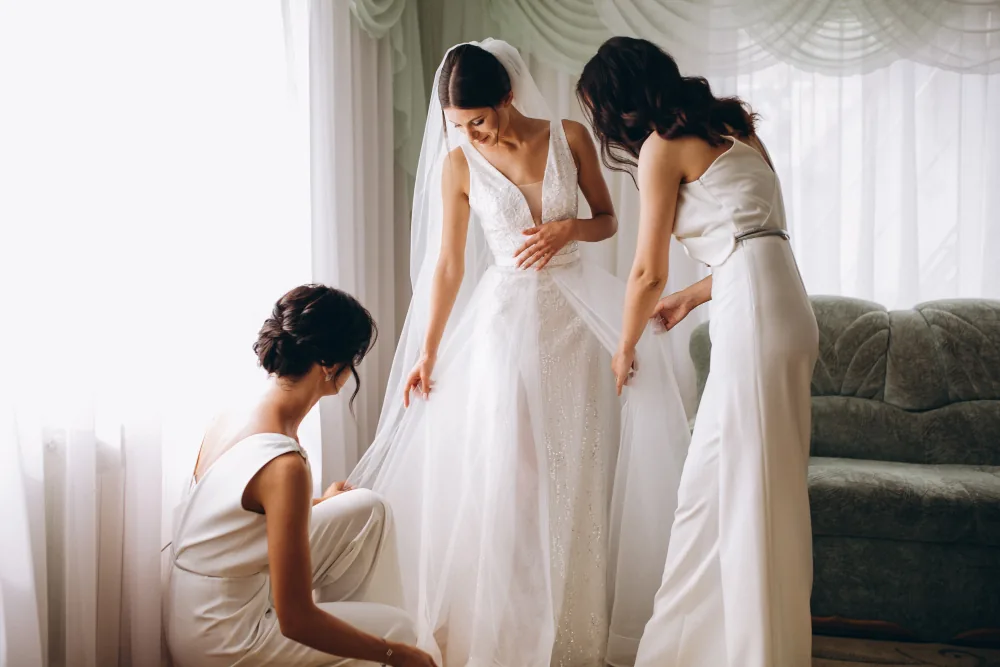
Certainly! Many users use our tool to coordinate bridal parties by having bridesmaids try on different styles and colors online before making a group purchase.
Why should I try on wedding dresses online before going to a shop?
Trying on wedding dresses online at home helps you identify which necklines and silhouettes flatter you most. This makes your physical bridal appointments more focused, efficient, and less overwhelming.
What is a 'virtual fitting room'?
A virtual fitting room creates a visual try-on preview from images so you can compare style and silhouette before buying.
Are there any tips for better dress try on online results?
For the best results, use a high-resolution portrait with good lighting. Avoid baggy clothes in your base photo; form-fitting activewear or underwear works best for the AI to understand your body shape.
Can I download the results for free?
Yes. You can download your generated try-on preview images; generation limits may apply depending on your plan.
Start Your Dress Try On Online Now
Free to start. Create a dress try-on preview in your browser.
Free to start · Private · AI-generated preview