AI Virtual Try‑On Studio
Free AI clothing changer — upload a person photo plus garments, pick a style, and generate realistic virtual try‑on visuals ready to download.
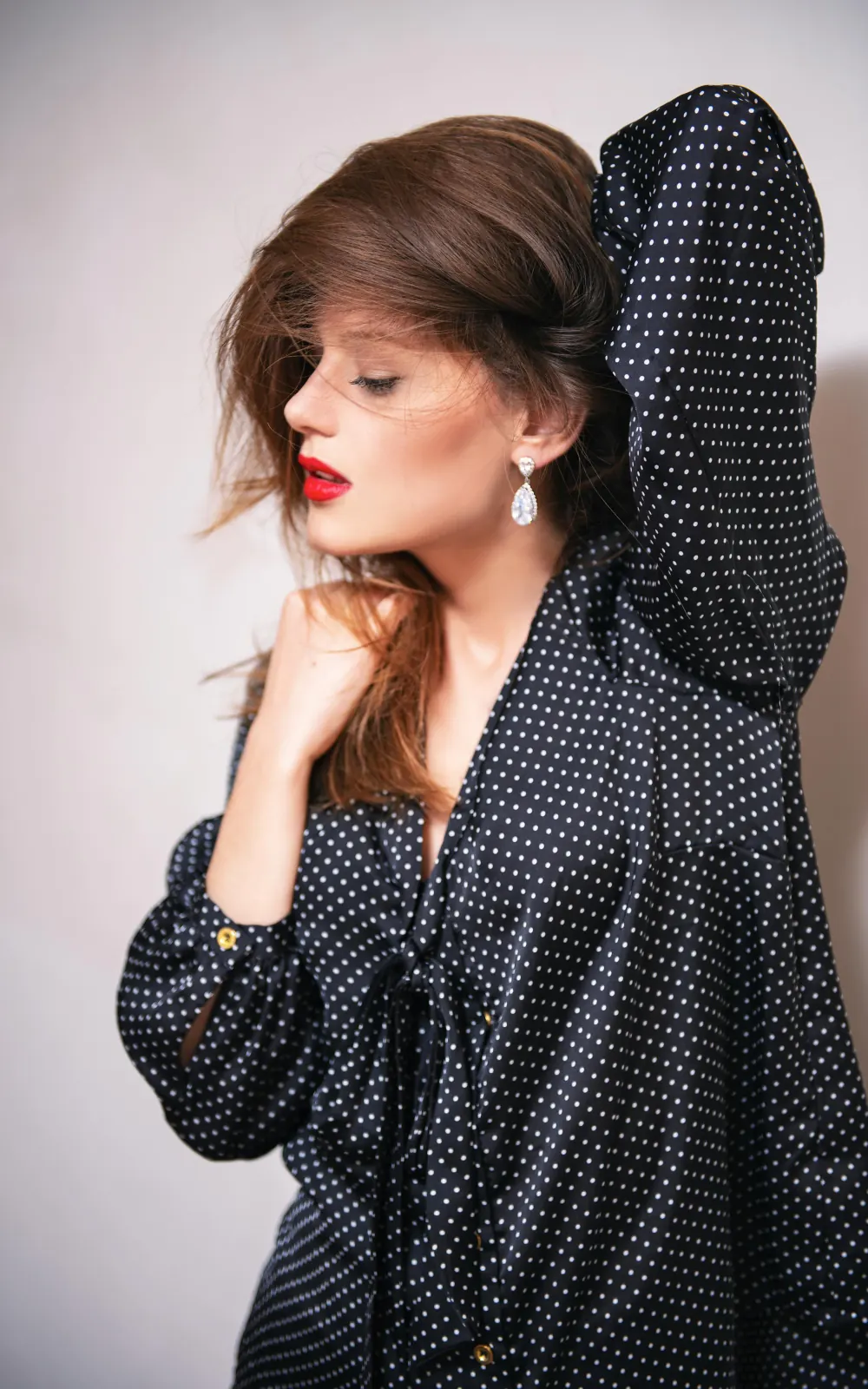
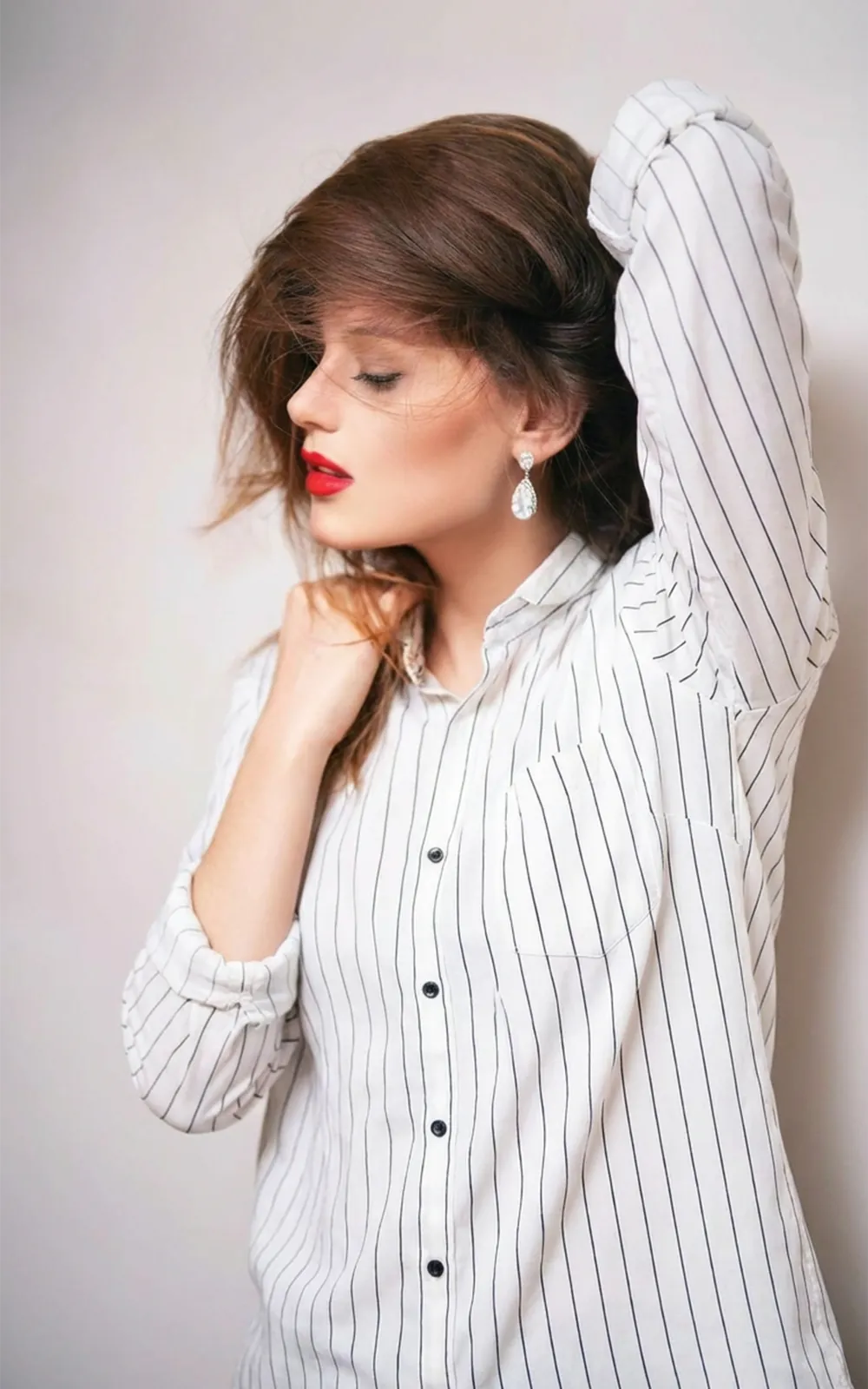


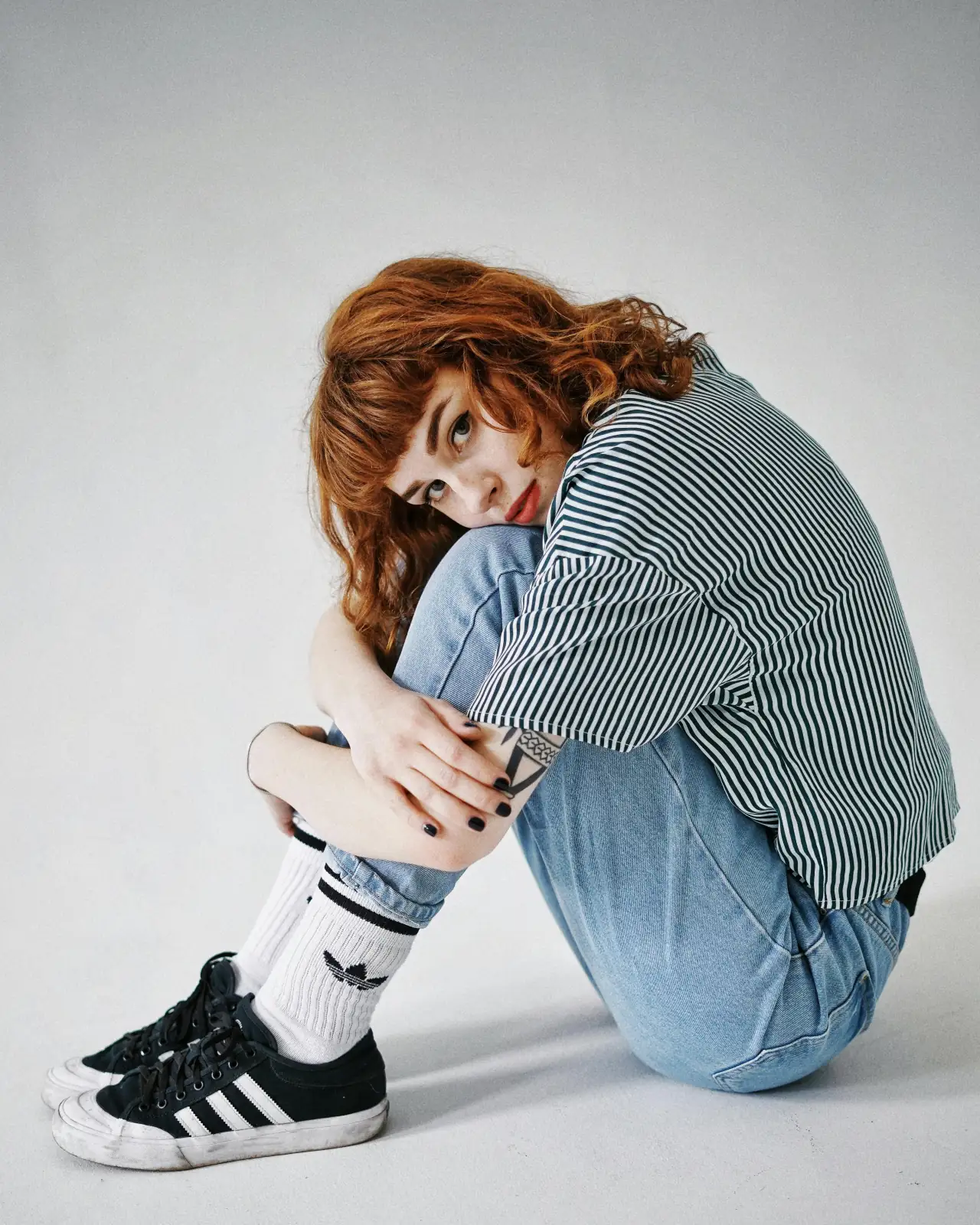
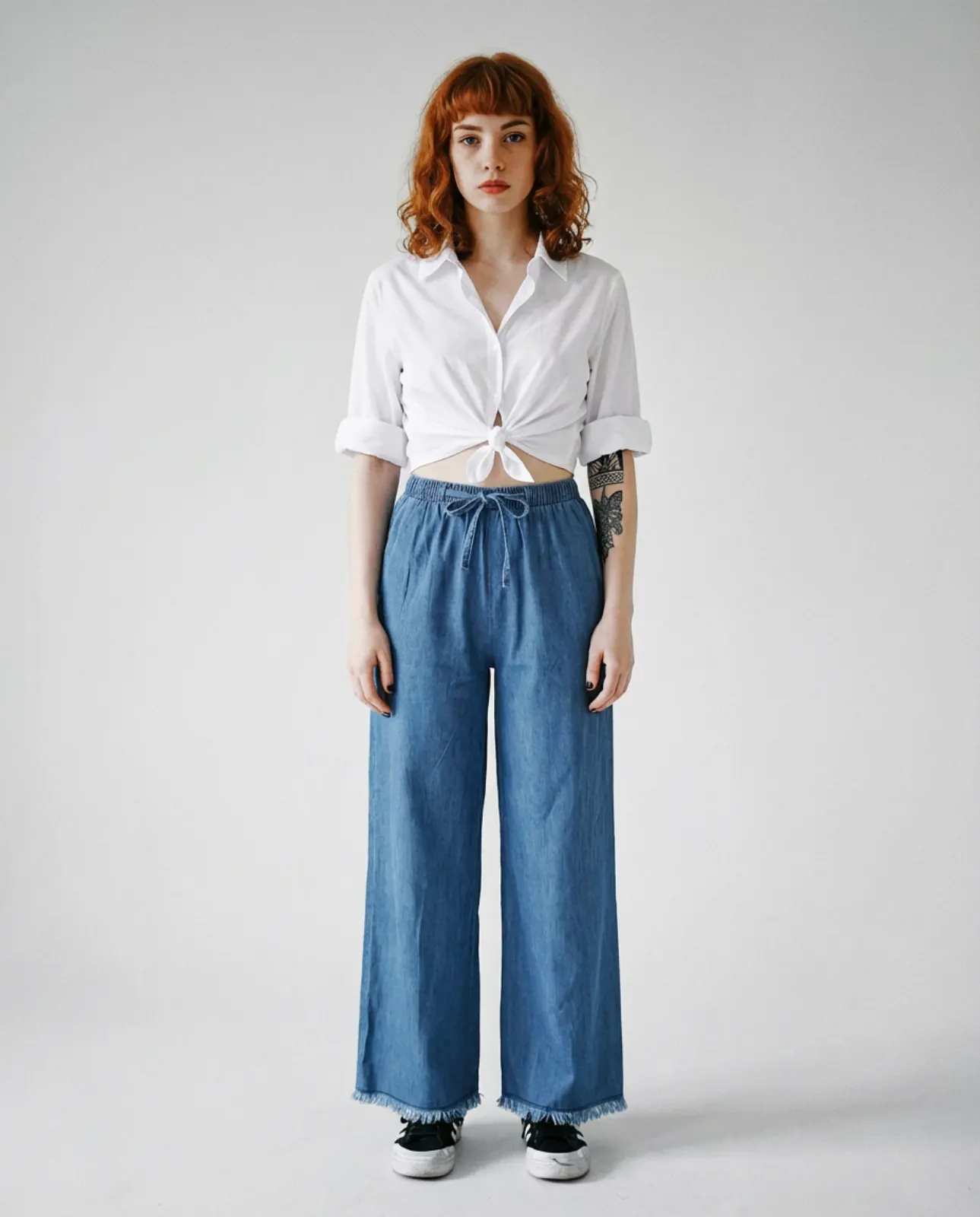
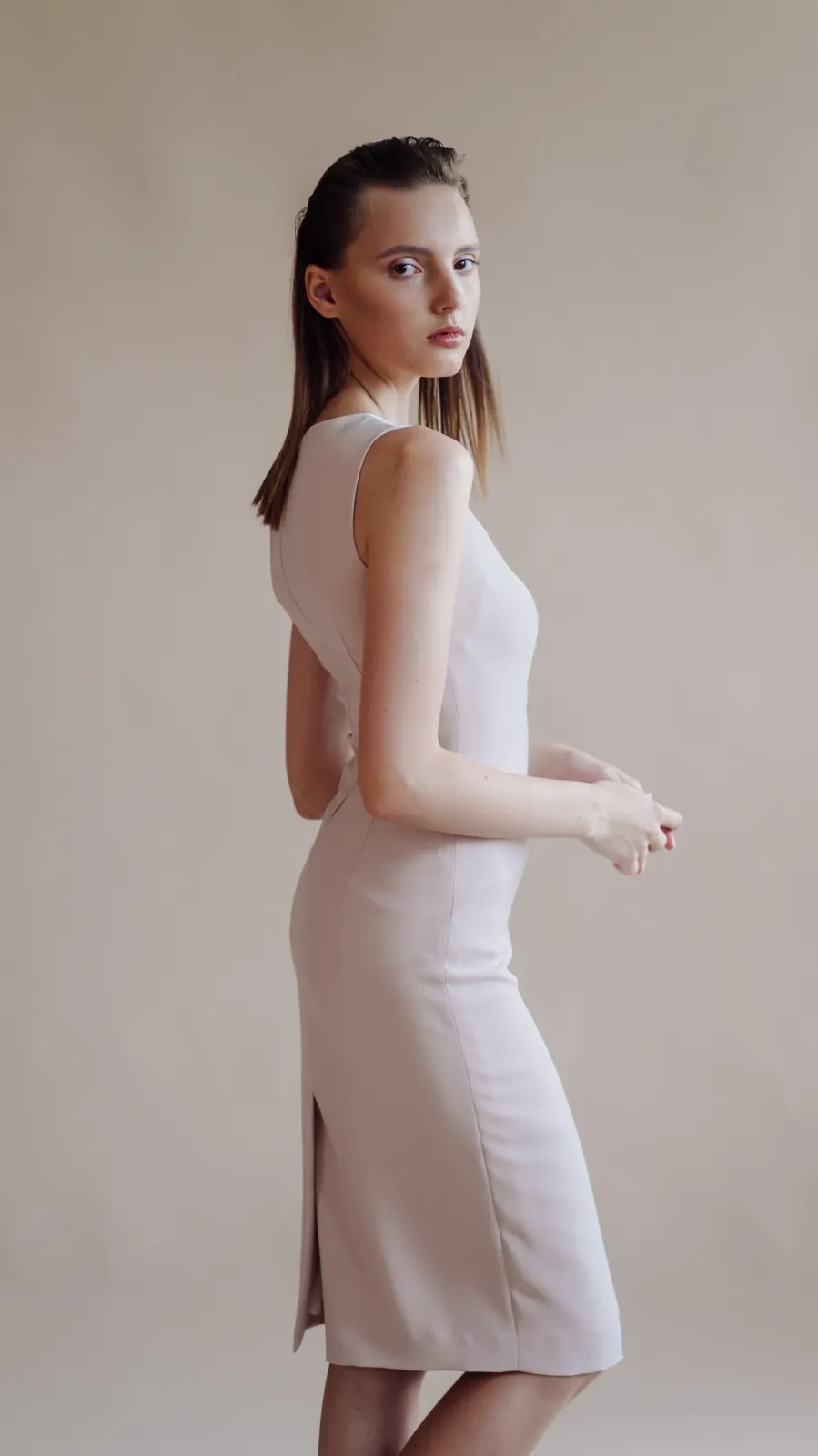
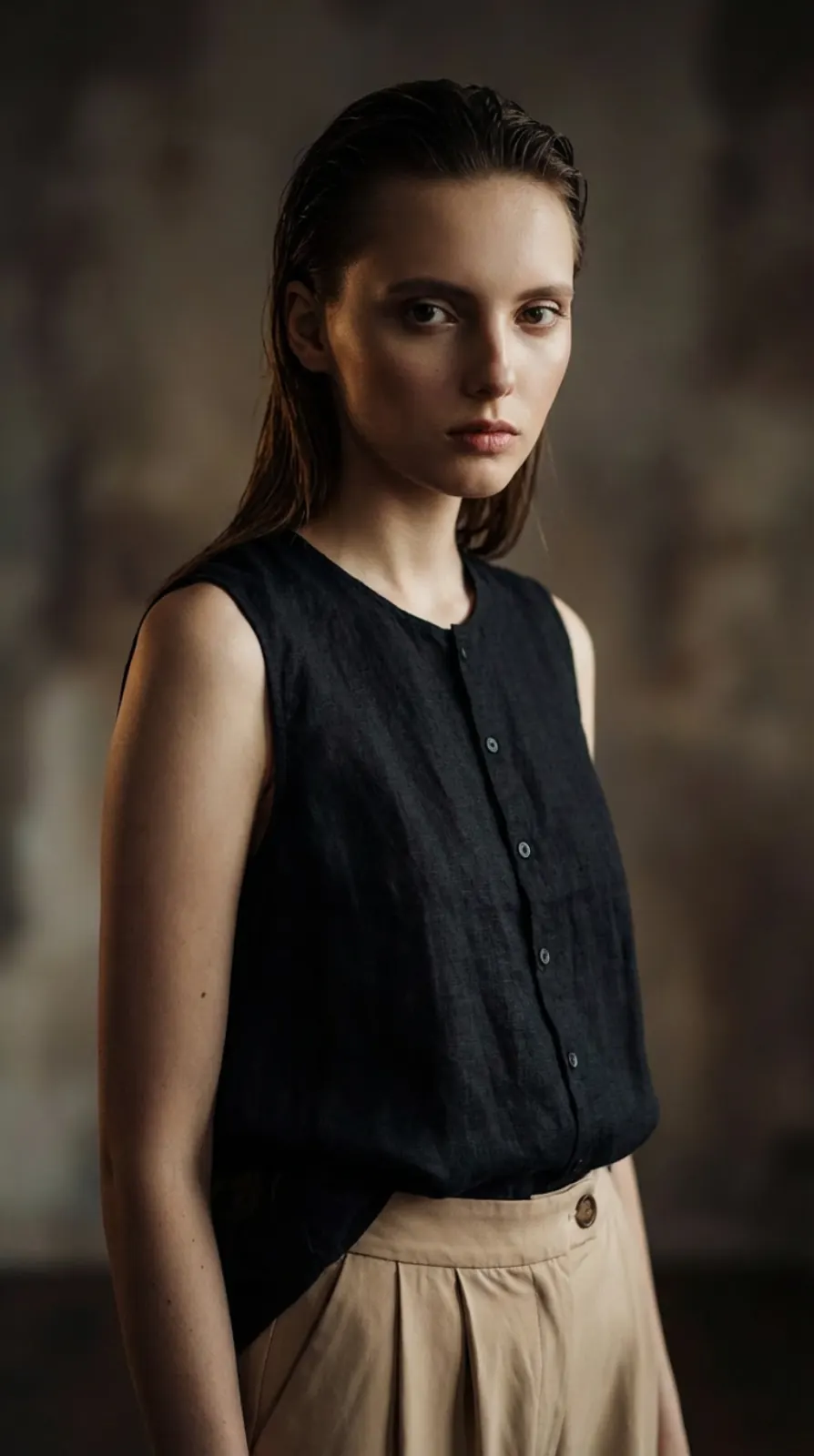
AI Try‑On in 3 Steps
Everything happens in the workspace below: prepare a person photo + garment photo(s), pick a look, and generate — usually in under a minute.
- 1
Prepare Photos (Person + Garment)
- 2
Choose a Look Style
- 3
Generate in the Workspace Below
Try‑On Workspace
Upload photos, pick a style, and generate your try‑on.
Loading workspace…
Use Cases
Start with a person photo + garment photos — then generate try‑on visuals for different workflows.
Traditional Photography vs. AnyTryOn
Why add AI to your visual workflow?
Coordination: Models, photographers, locations.
Turnaround: Days or weeks to get final photos.
Cost: High expense per look or session.
Flexibility: Re-shoots required for style changes.
Input: Person photo + garment photo(s).
Turnaround: Results usually in under a minute.
Cost: Start free, scale with Pro.
Flexibility: Switch styles or garments anytime.
Privacy: Your uploads and results are not publicly accessible.
How AnyTryOn Works
No prompts. Just upload, pick a look, and generate — usually in under a minute.
Upload a Person
Start with a clear photo of the person. This becomes the base “model” for the try‑on.
Add Garments
Upload garment photos: top is required, bottom is optional. Keep them clean and well‑lit for best results.
Pick a Look & Generate
Choose style + focus, then set aspect ratio and resolution (2K unlocks after sign‑in; 4K with Pro). Generate, preview, and download your results.
Explore more try-on tools
Focused workflows for specific garments and quick outfit swaps.
Frequently Asked Questions
Quick answers on uploads, styles, credits, and privacy — so you can start generating with confidence.
AnyTryOn is an AI virtual try-on studio. Upload a person photo and garment images, pick a look style, and generate realistic on-model visuals — ready to download.
A clear photo of the person, plus garment photos. Top is required; bottom is optional. Clean lighting and an unobstructed subject work best.
Look Style sets the overall vibe (Original, Everyday, E-commerce, Editorial). Focus controls what we prioritize: Outfit for crisp garment details, or Me for a stronger “you” likeness.
You can try AnyTryOn without signing in at 1K (up to three images total). Sign in to unlock 2K and to save results to History. Upgrade to Pro to unlock 4K. Signed-in credit cost: 1K=2, 2K=2, 4K=4 (failed generations are refunded).
Your uploads and results are kept in private storage and are only accessible via time-limited signed links. If you generate without signing in, treat your order link (order ID) as private. When you sign in, your results appear in History and you can delete items anytime.
Yes — you can use generated images in personal or commercial projects. Please ensure you have the rights to the photos and garments you upload.
Yes — you can try AnyTryOn for free at 1K resolution without signing in (up to three images). Sign in to unlock 2K and save results to your Collection.
AnyTryOn offers multiple look styles (Original, Everyday, E-commerce, Editorial) and focus modes (Outfit vs Me) to give you control over the output. Most AI clothing changers only swap garments — AnyTryOn lets you fine-tune the vibe and likeness balance.
Ready for your next
AI try‑on?
Upload a person photo + garments, choose a look style, and generate realistic try‑on images you can download and share.